


elements
principles
elements
principles
Loading
Just double click on any word in the text that you would like explained.
There are many additional tools and concepts related to the principles of design but I am going to mention just three I find useful.

1. The Rule of Thirds
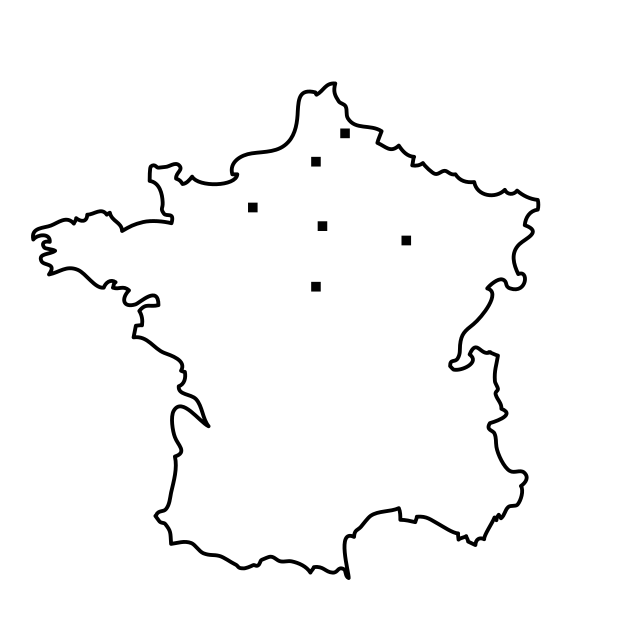
By dividing a page into thirds vertically and/or horizontally, and placing the most important elements at one or more of the four intersections of those lines help us create more interesting designs.
go back
2. Visual Center
Placing the focal point or the important elements within the visual center is yet another useful designer trick. That point is just above and to the right of the actual center point.
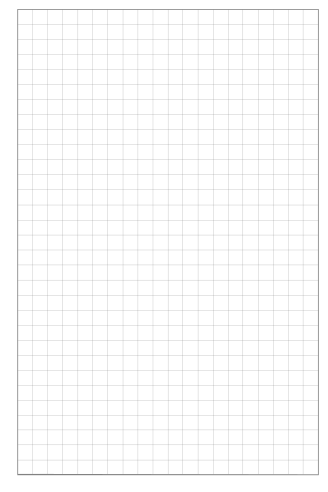
3. Grid
It's the invisible structure used to place different elements on a page that many times is holding up the whole design. Even if the grid is invisible in the final product it's important to see it during the construction of the page. It will provide a visual organisation to your efforts and speed up the process. If you are affraid that your design becomes static and boring then let me tell you that most viewers like well organised information and the way you vary different elements using the same grid is just a question of imagination. You can create many different designs using the same grid. The grid does not limit the design,  the designer does.
In SiteSpinner it's very easy to work with grids. Just activate the grid guide and tab guide lines, decide for yourself how you want to divide the page and make good use of it.
© 2008-2011 Creativement Ltd