

elements
principles
elements
principles
Loading
Just double click on any word in the text that you would like explained.
There are different ways you can imply direction on your website.
If you include elements like arrows that will suggest which direction your visitors should follow.
go back
Another useful elements to imply direction are images. The direction that objects in the image are facing will determine what direction the visitor will follow. If a person depicted on the image is looking to the right then the correct positioning of the image on the page should be on the left hand side otherwise the visitor will be led to click the back button and 'leave' the page. We tend to do what others are doing.

Images, being dense elements, are best positioned along horizontal, vertical or diagonal lines and preferably surrounded by less dense elements like text.
Visual flow in design is closely related to the concept of direction and carries the visitor's eyes through the page. The following elements will help you to achieve a good visual flow:

Numbers
- we all tend to follow instructions step-by-step and numbers help us to follow a determined structure.

Arrows
- show us where to go next. The two arrows above lead the eyes to the center point between them (even if nothing is there).

Perspective
- the objects in foreground will get our attention.

Size changes
- either from small to large or vice versa.

Sequential text or image elements
- follow a logical sequence.

Gradients
- just like size changes, we follow the increase or decrease.

Curves
- we tend to follow the path of a curve.

Motion in images
- always follow the movement in the picture

Faces
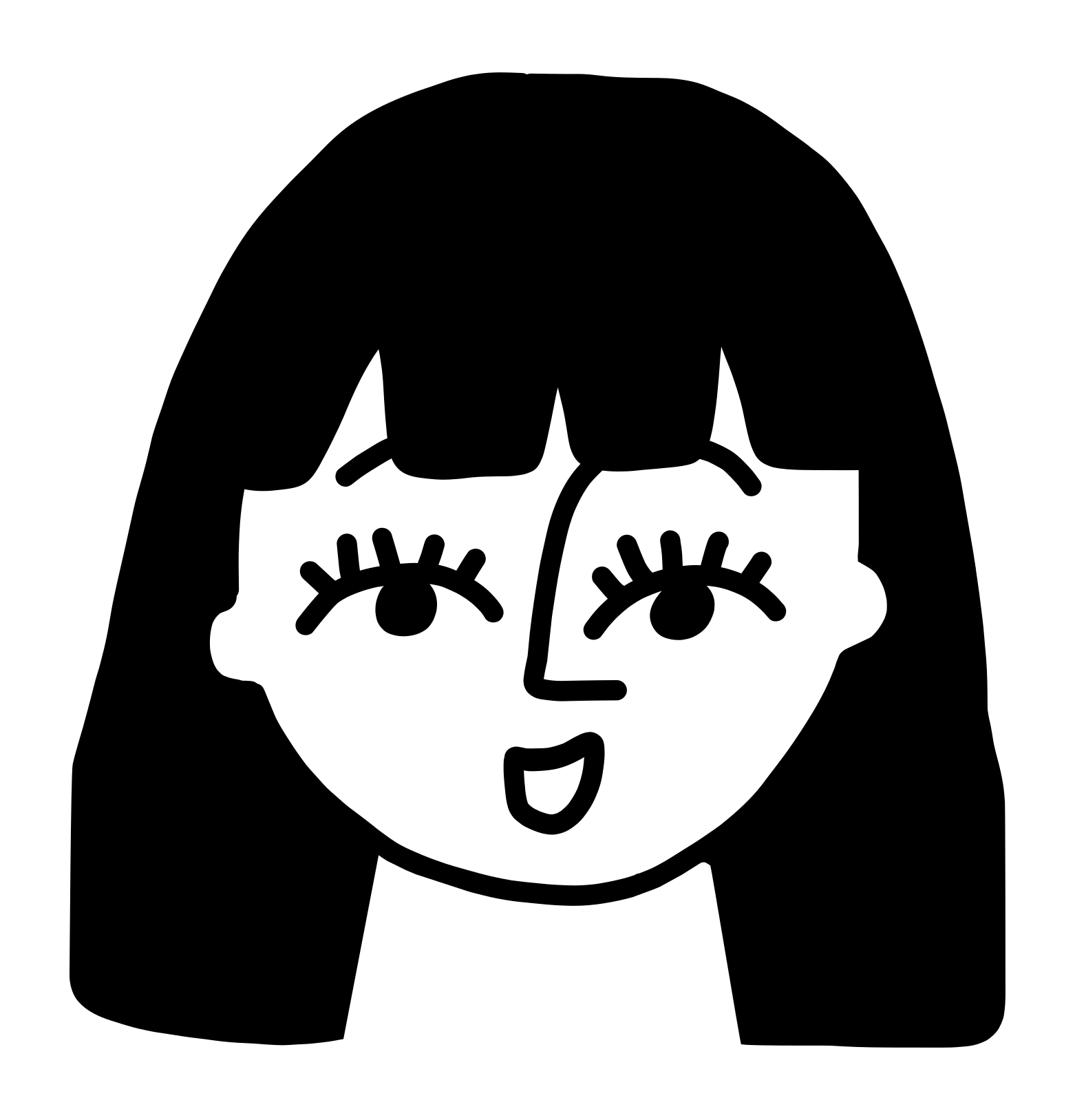
- especially eyes ( see example above)
The photo to the left feels awkward. We read the text from left to right but the movement in this image is from right to left.


                     The text and movement are consistent in the
                     photo to the right.
© 2008-2011 Creativement Ltd